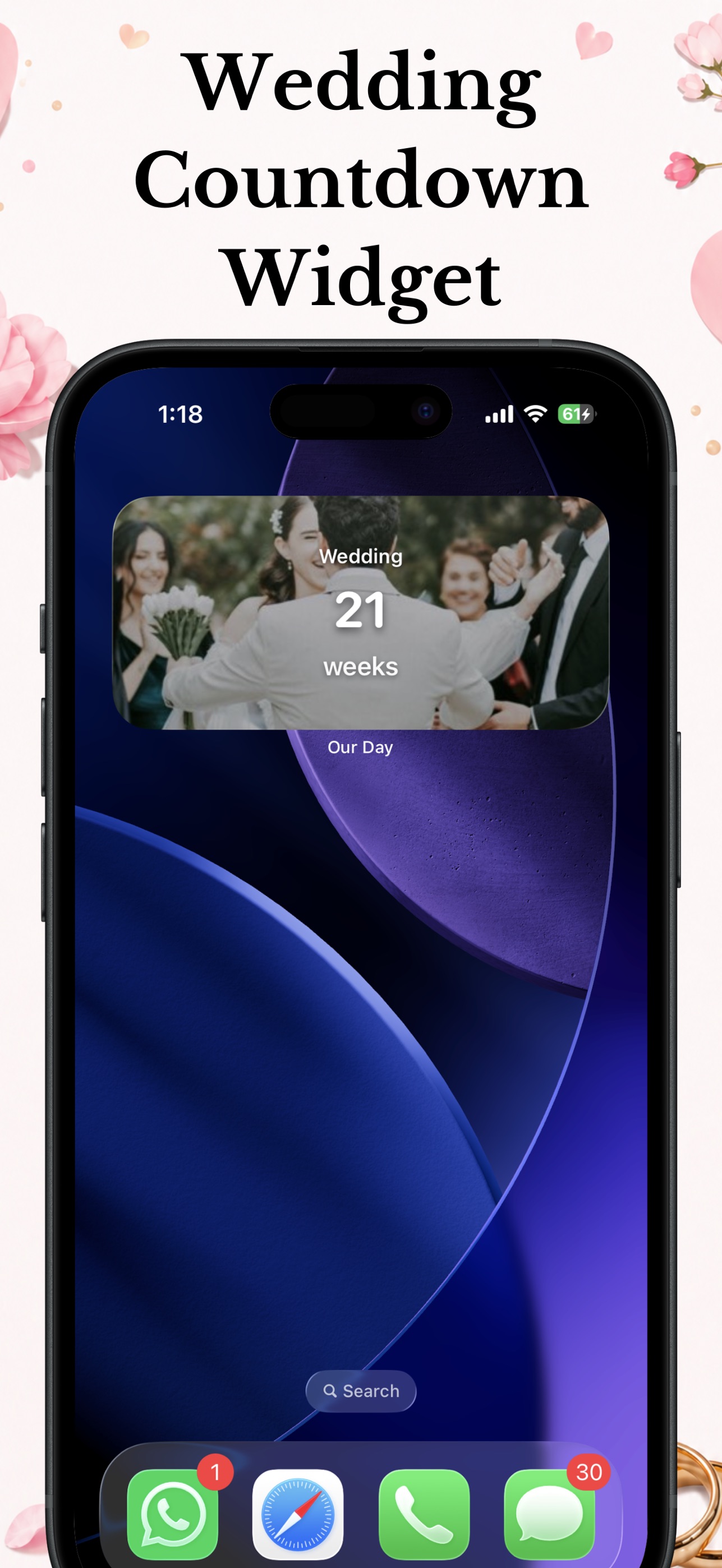
A wedding countdown widget that looks like it belongs on your home screen: your photo, your names, and the days left, updating on its own.

Pick the wedding date and time in the app.
Your engagement photo or one of 10 romantic backgrounds, plus both your names and a theme color that matches your wedding.
Long-press the home screen, tap +, choose Our Day in small, medium or large. Done: it updates automatically.
Want to see the countdown right now? Try the free web countdown.

Install Our Day, set your wedding date, then long-press your home screen, tap the plus button, search for Our Day and choose small, medium or large. The widget appears with your background and updates automatically.
Yes. Set your own photo as the countdown background in the app and the widget uses it too, with your names and the days remaining on top.
The same modes as the app: days, weeks, months, sleeps, weekends or the full countdown. Most couples keep days on the widget and check the full timer inside the app.
No. iOS widgets refresh on a schedule managed by the system, so a countdown widget has no meaningful battery impact.
The home screen widget comes in three sizes. On the lock screen you can see the countdown at a glance by placing the app where you'll open it daily; lock screen widget support is on the roadmap.